(01)
AI Native Design System
Pitch demos were rebuilt from zero every time. As the sole designer, I built the system behind $500M+ in deals.
Design SystemsAI-assistedUX DesignResearch
Open
One key, three emojis that fit what you wrote
Not everyone likes to read too much nowadays. Watch the 18-second version?
Demo VideoI put an emoji on almost every message I send. Finding the right one is slower than writing the message: open the picker, guess the name, scroll, give up, settle for 👍.
So I built Emoji Popup. You type like normal, press one key, and a small card shows three emojis that match what you just wrote. Press 1, 2 or 3 and it lands at the end of your message.
Solo Product Designer · 2 days · 2026
From a finished message to the right emoji
Windows, Mac and Linux, from one codebase
It runs on your computer and talks only to the AI you pick, with your own key. No accounts, no analytics.
The card opens in the middle of the screen with the three picks already loading. They're based on your whole message, not one keyword, so "I refuse to ship a launch on decaf" gets 💀 ☕ 😤 and not just a coffee cup. If none of them fit, type a vibe into the card and it tries again.
There are two shortcuts. AI emojis uses the AI you connected. On this computer never sends anything: it matches your last words against a list of about 6,000 words and slang that ships with the app.
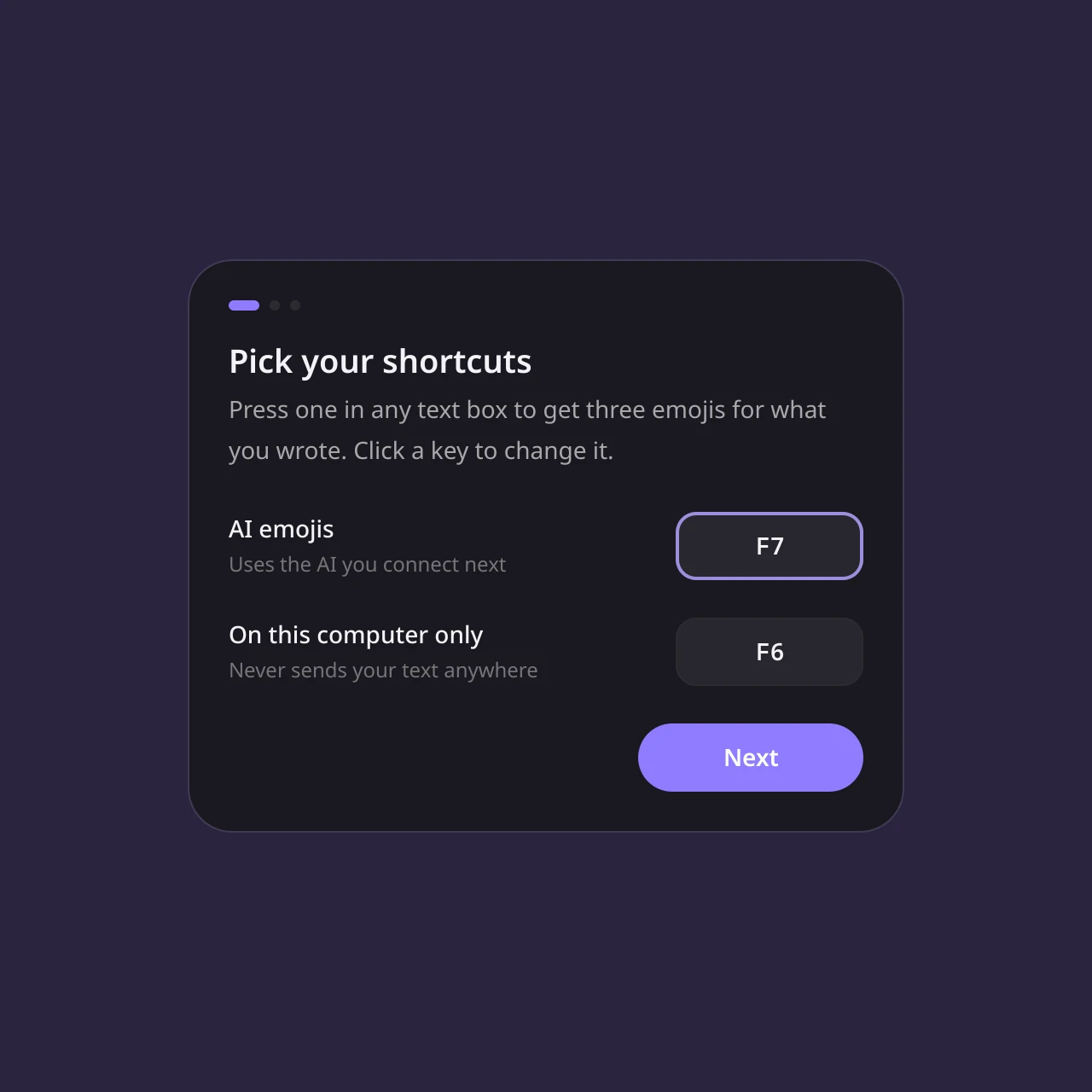
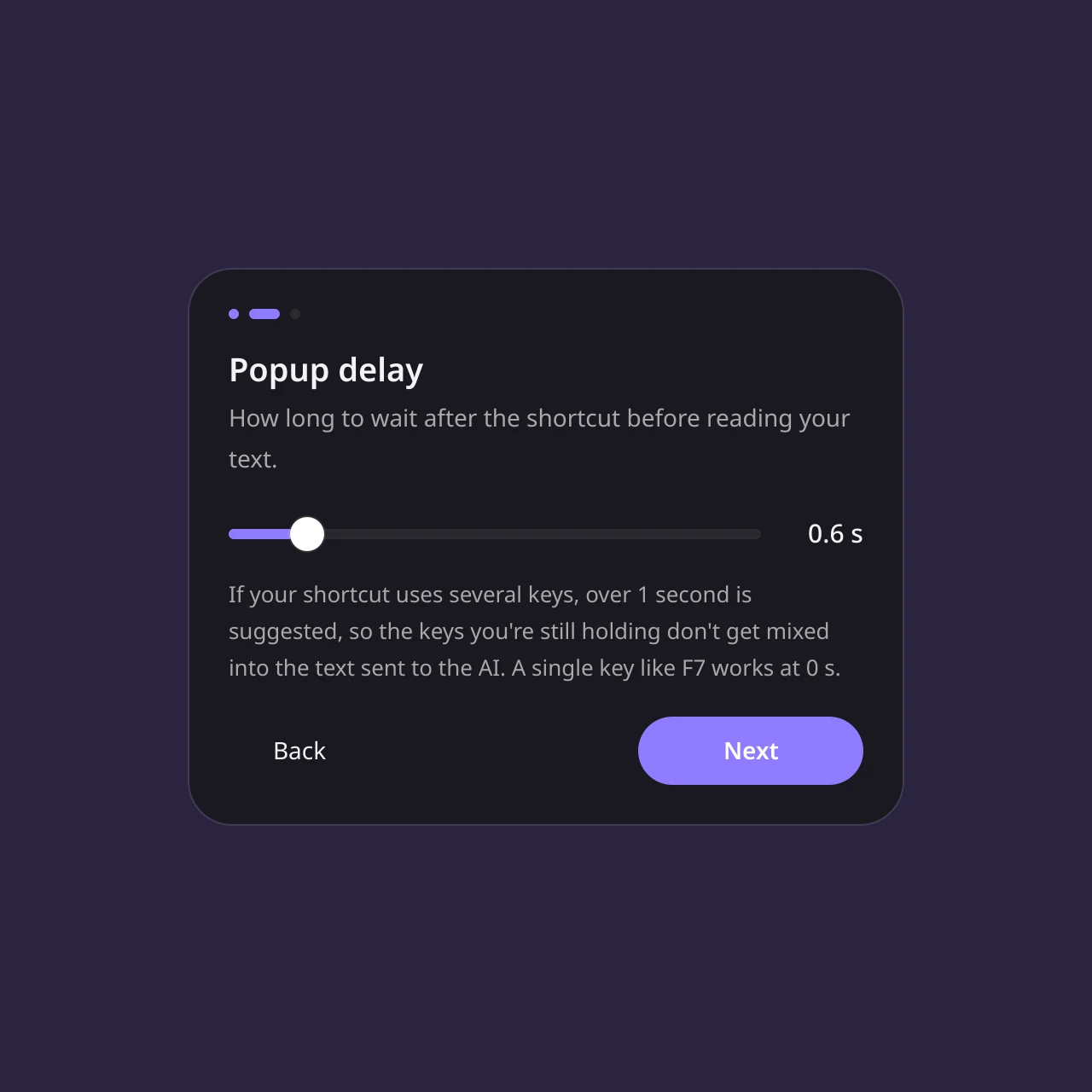
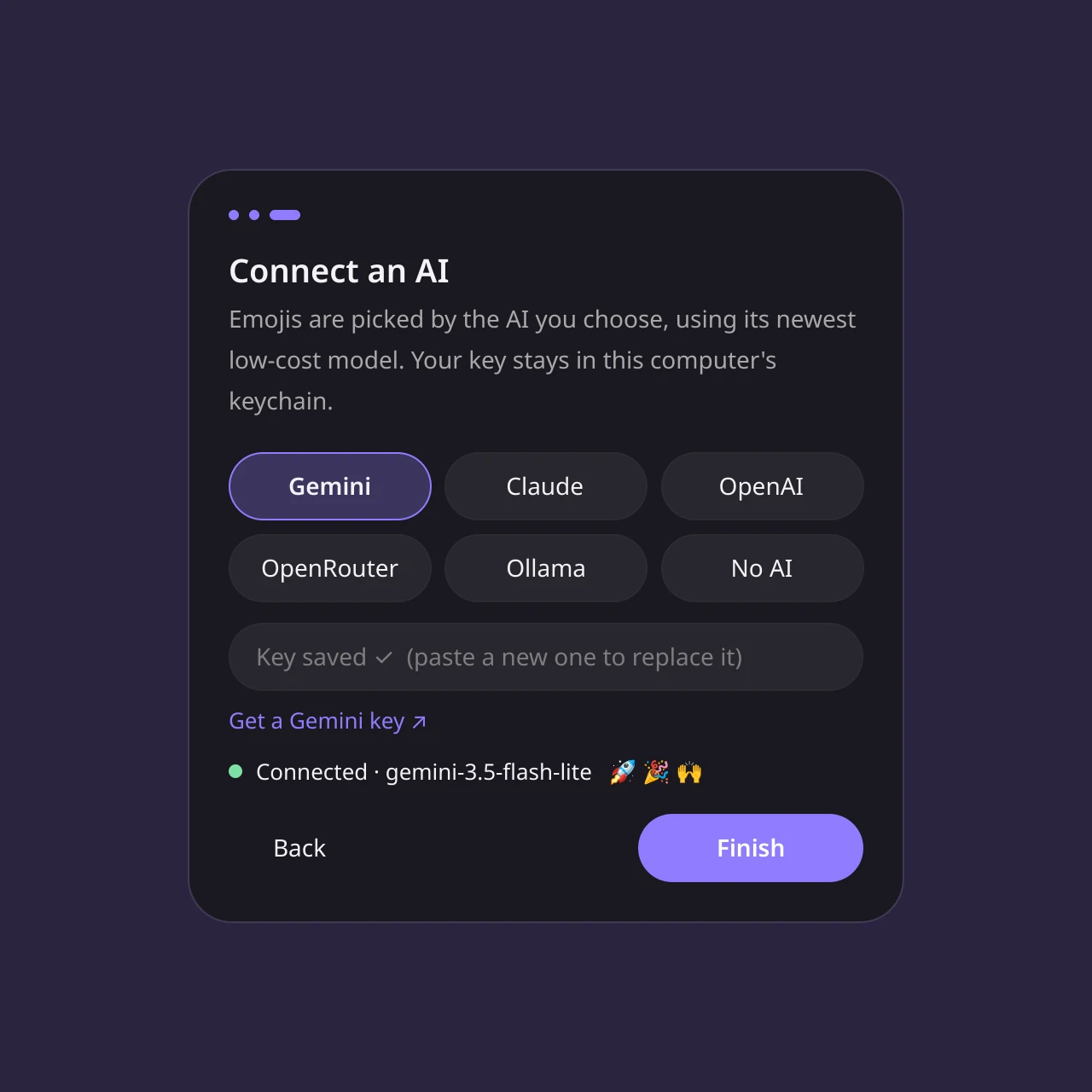
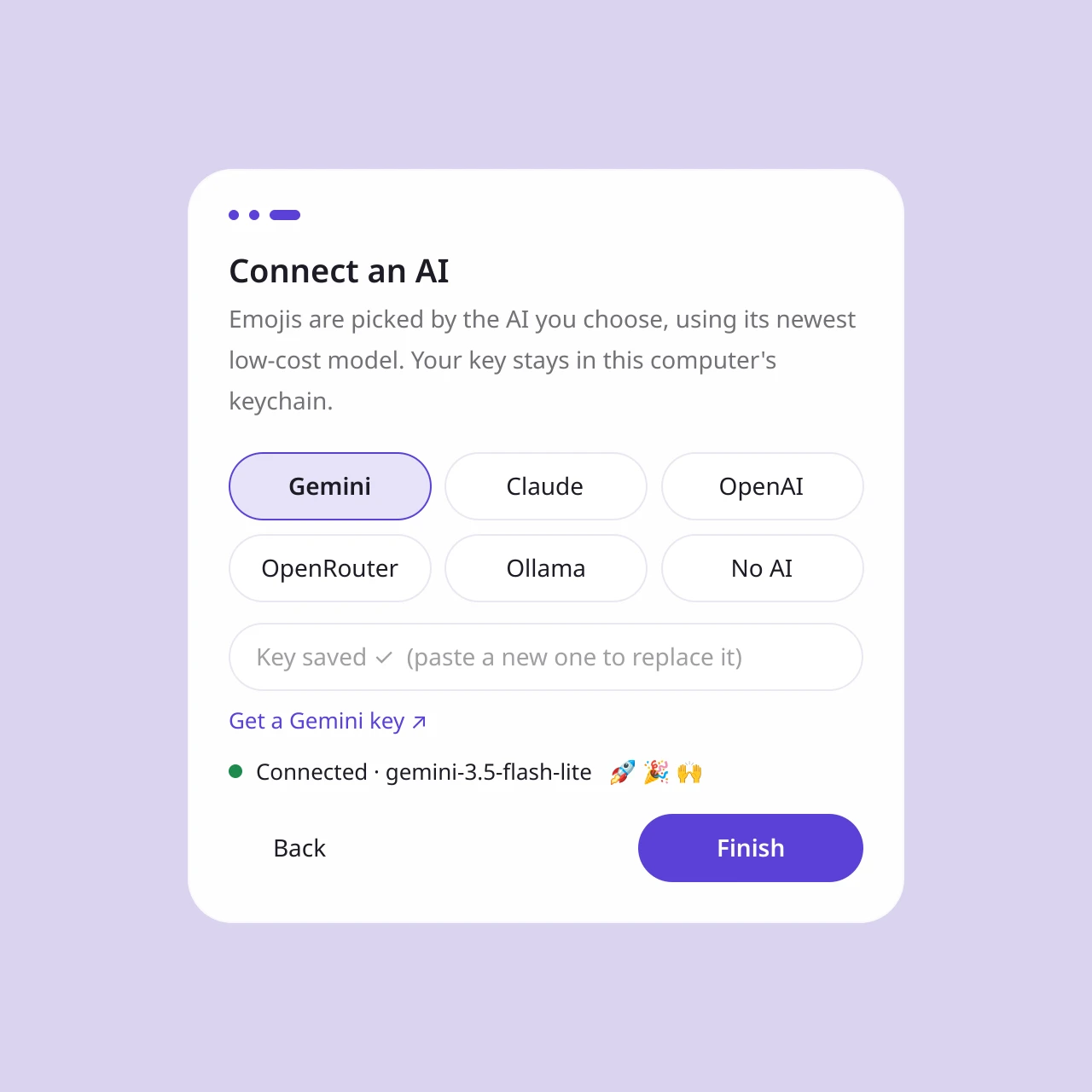
There's no settings window to learn. The first launch opens the same card the emojis use and walks through three steps: shortcuts, popup delay and AI. It's done in under a minute.
I designed the card, the motion and the setup, and Claude wrote the code. I used it every day on my own Linux machine and told Claude what felt off. One example: the popup kept reading nothing because my fingers were still on the shortcut keys when it copied the text. The fix was to wait until the keys are up, and that became the popup delay setting in setup.
I didn't want another app to manage. Emoji Popup has no window, just a key and a card that's gone as soon as I pick. I reach for it without thinking, and that's how I know it works.
It's free and open source on GitHub.
Windows 10/11, macOS 13+, and Fedora with KDE Plasma 6. Not affiliated with Slack.
Pitch demos were rebuilt from zero every time. As the sole designer, I built the system behind $500M+ in deals.
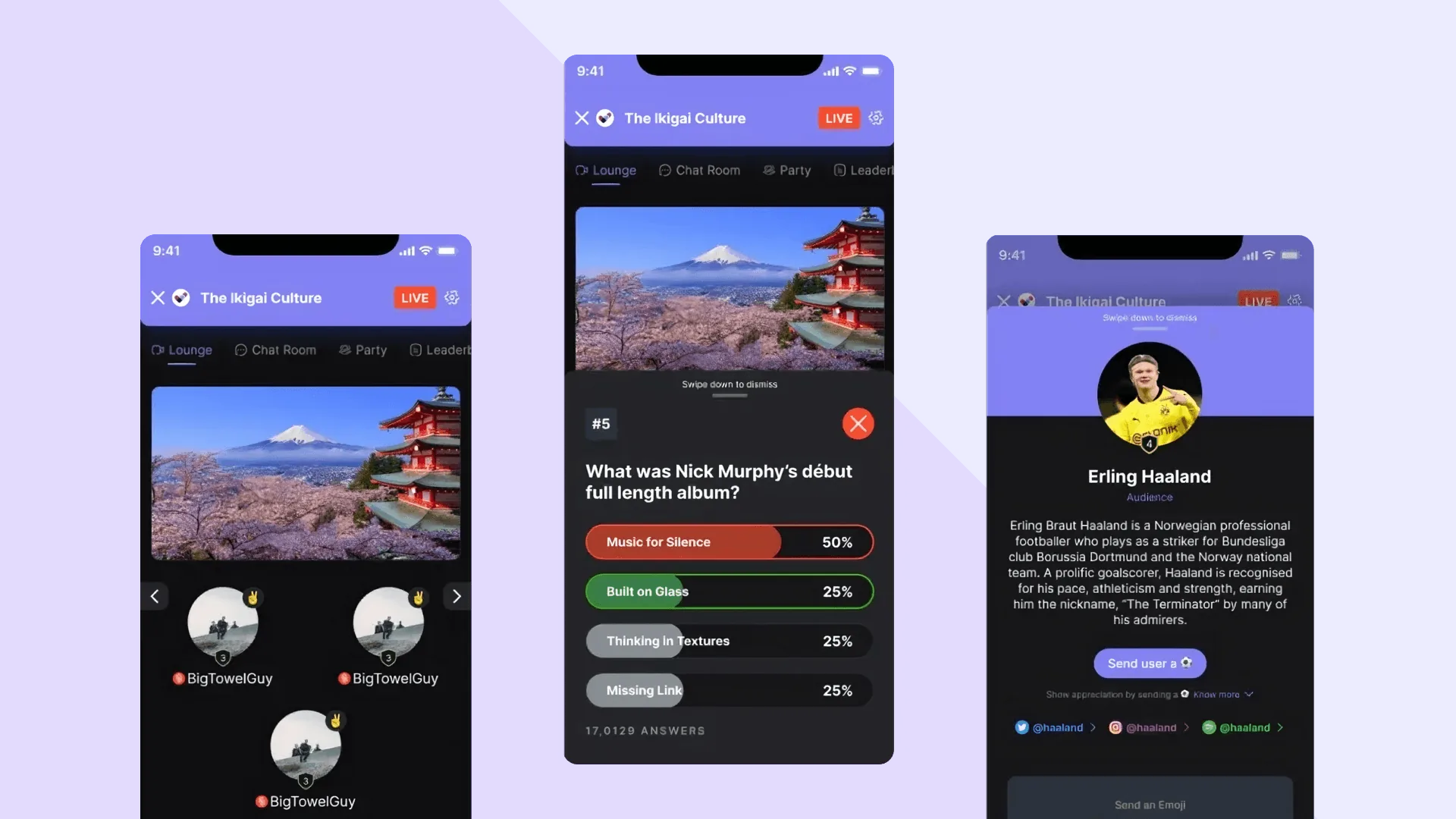
COVID wiped out live events. As lead designer on the pivot, I helped reach 50,000+ paying users in month one.
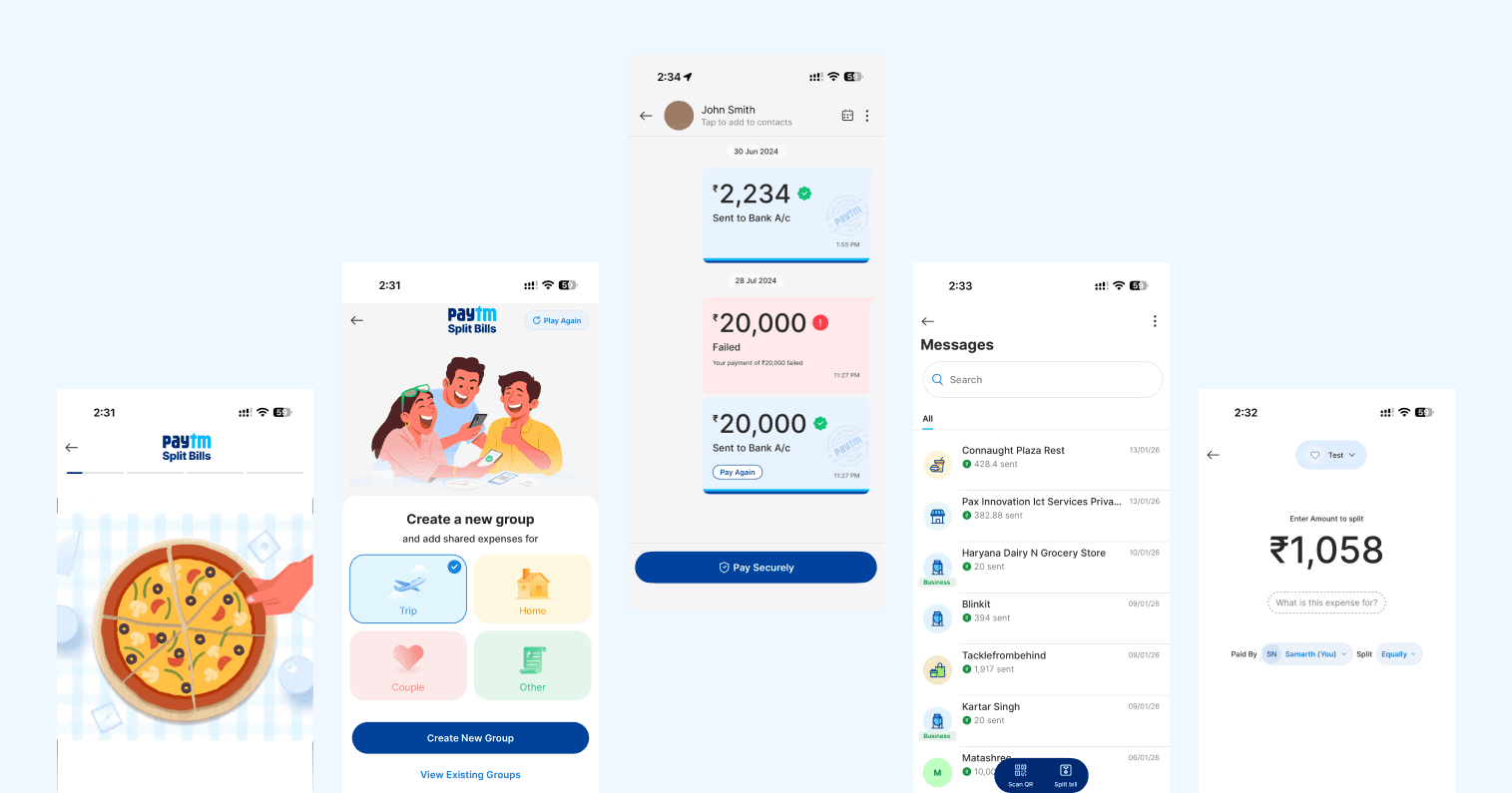
Users were leaving for Google Pay's chat. I designed pay-first chat for 100M+ users: drop-off fell from 34% to 12%.