(01)
AI Native Design System
Pitch demos were rebuilt from zero every time. As the sole designer, I built the system behind $500M+ in deals.
Design SystemsAI-assistedUX DesignResearch
Open
Calls that stay out of the way

Not everyone likes to read too much nowadays. Watch the 30-second version?
Launch VideoI spend half my day on Google Meet calls. The call lives in one tab, and my work lives in all the others. Meet's pop-out window was supposed to help, but it just parks a grid of faces on top of whatever I'm doing.
So I built PopTalk: a tiny island for call controls at the top of my screen, and a few bubbles in the corner that show who's talking.
Solo Product Designer · 3 days · 2026
From first sketch to a Chrome Web Store submission
The most it shows. Everyone else becomes a count, like "+3"
Everything runs on my computer, with no accounts
The island stays small and black until I hover over it, then opens into mute, camera, reactions and leave. The person talking gets a video bubble, and the bubbles swap places when someone new speaks. When I move my cursor near them, they slide out of the way.
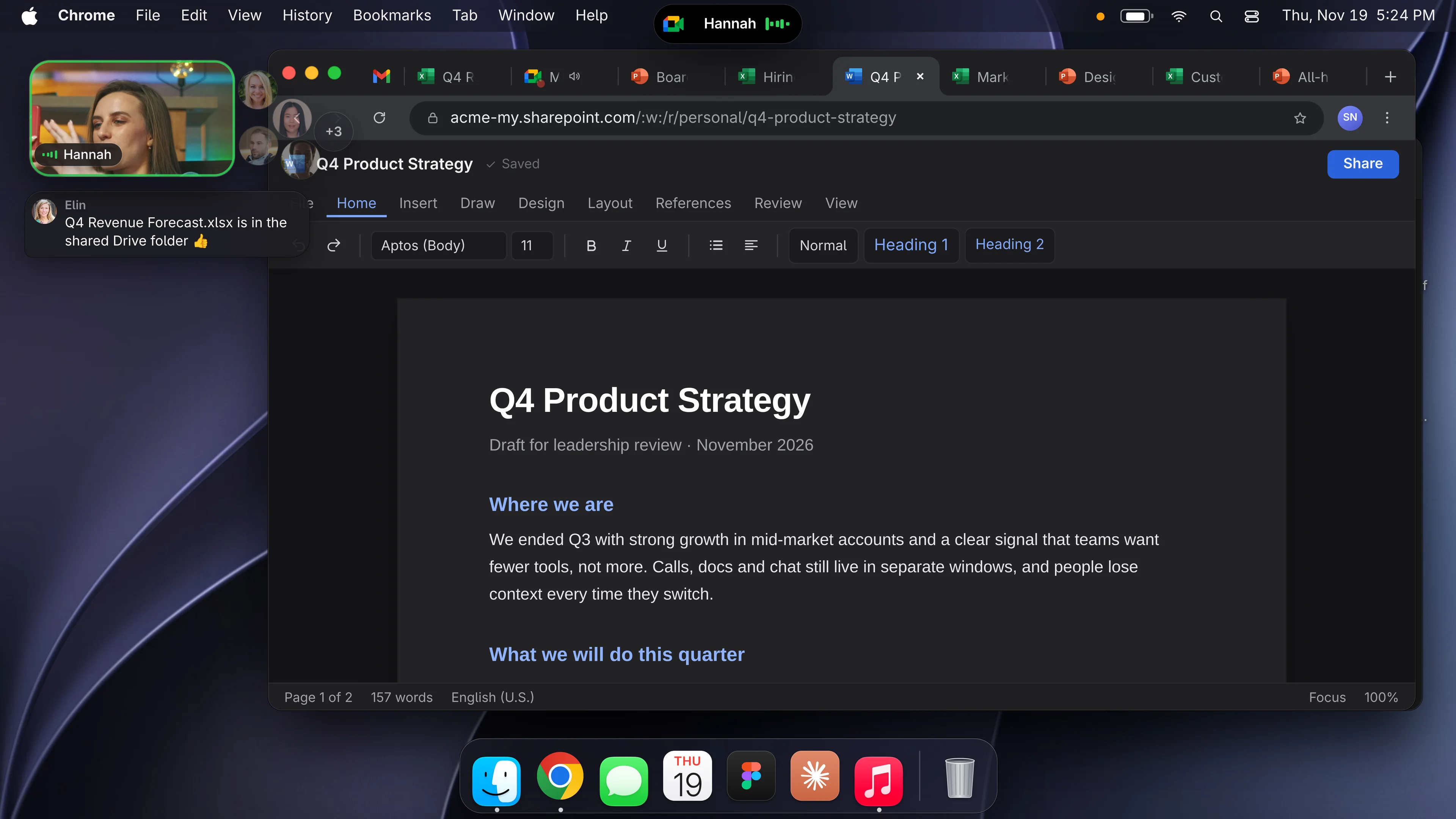
I designed each piece, and Claude wrote the code. I'd try a build on a real call, tell it what felt off, like a spring that was too bouncy or a bubble in the wrong spot, and go again. Then I made a launch video the same way.
That was the whole goal. I barely notice PopTalk until someone starts talking, and that's how I know it works.
PopTalk is free. Get it here:
Works with Google Meet in Chrome, Brave and Edge. Not affiliated with Google.
Pitch demos were rebuilt from zero every time. As the sole designer, I built the system behind $500M+ in deals.
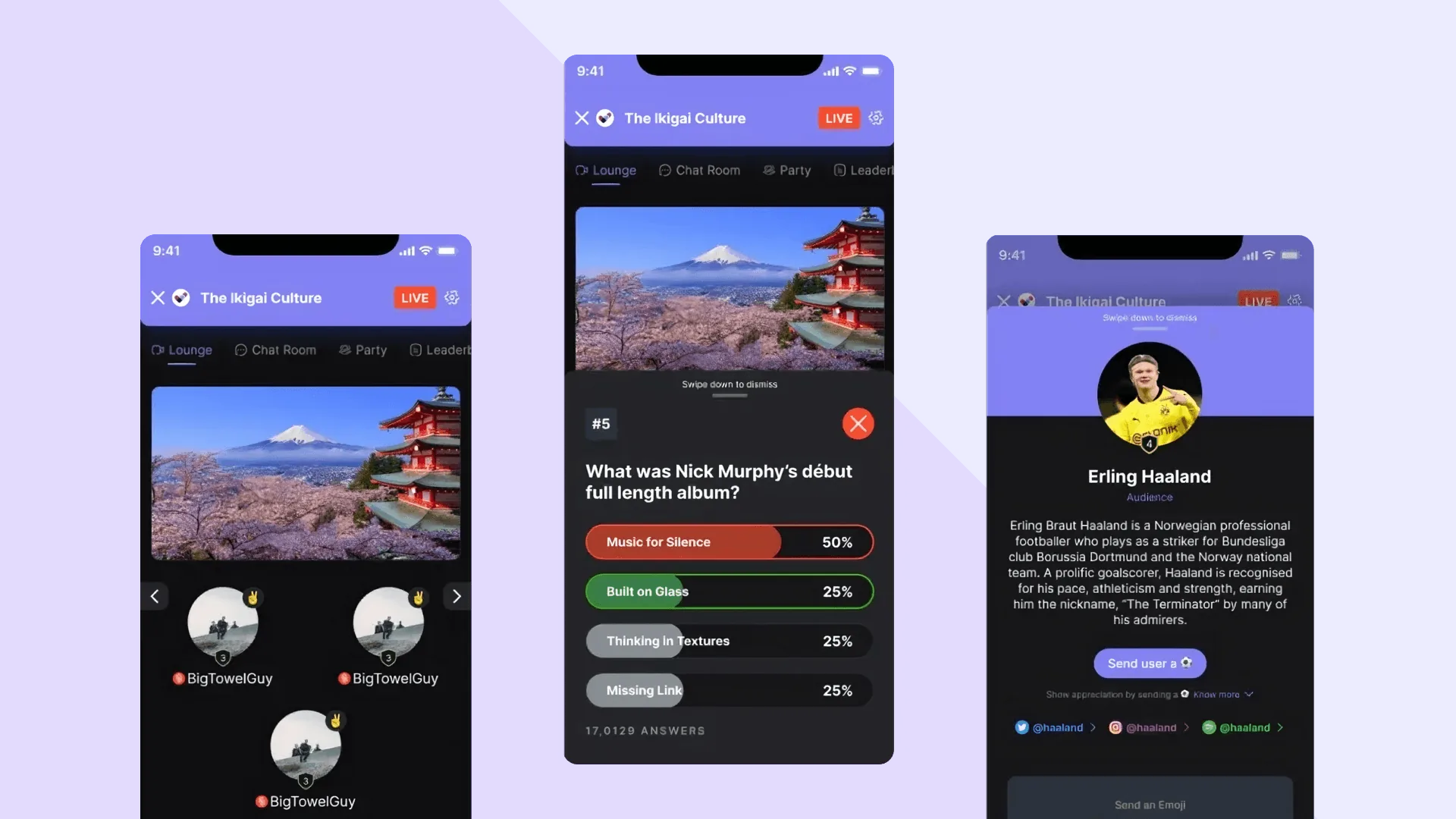
COVID wiped out live events. As lead designer on the pivot, I helped reach 50,000+ paying users in month one.
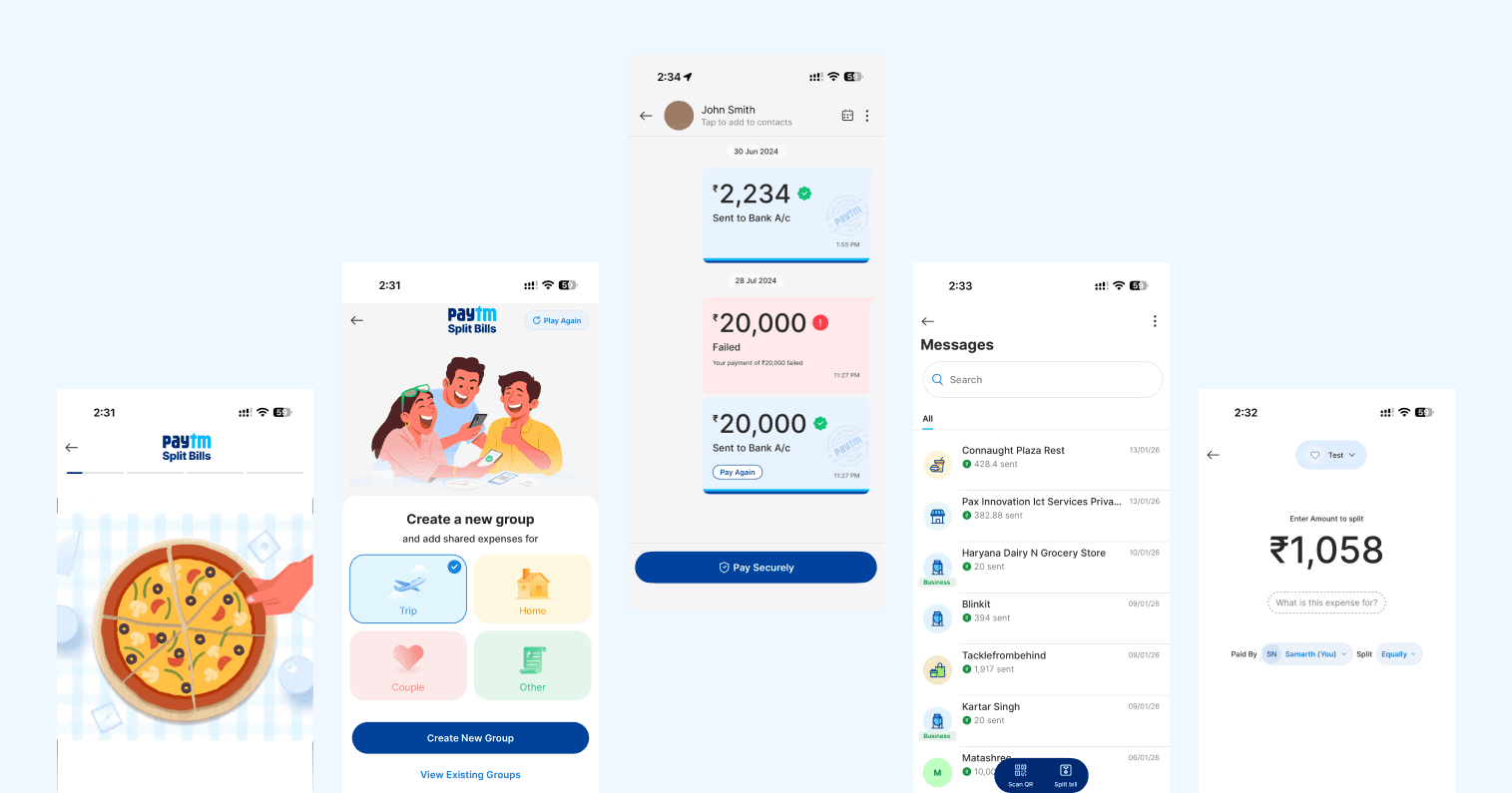
Users were leaving for Google Pay's chat. I designed pay-first chat for 100M+ users: drop-off fell from 34% to 12%.